
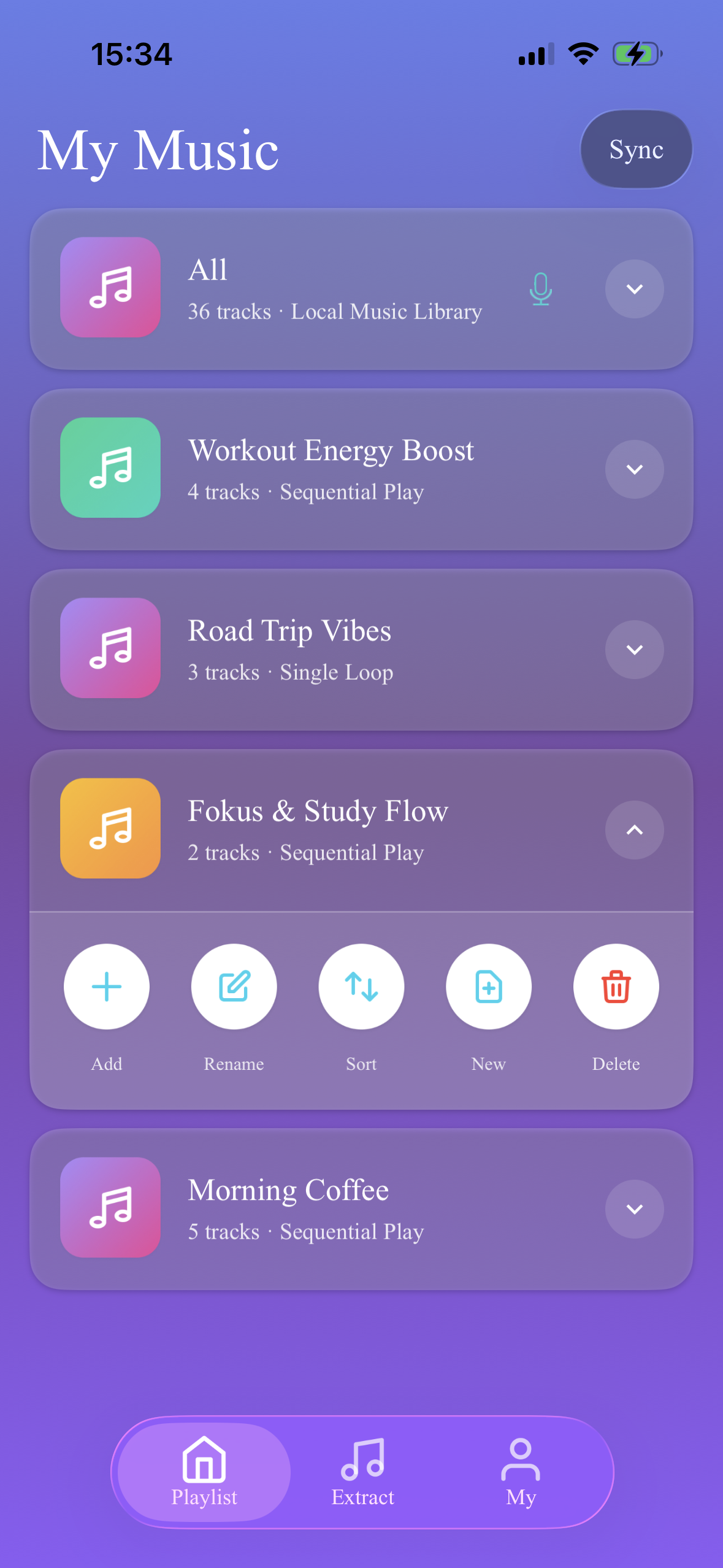
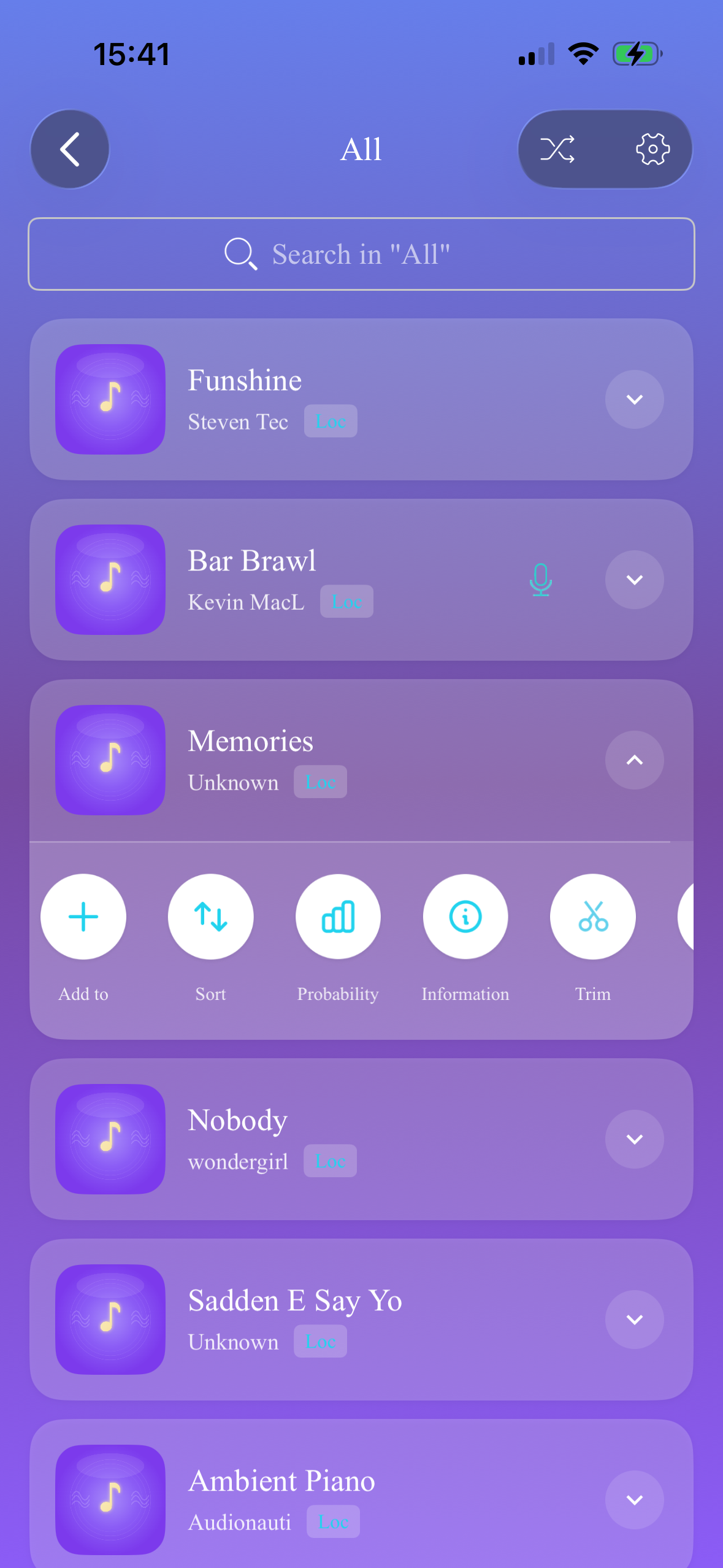
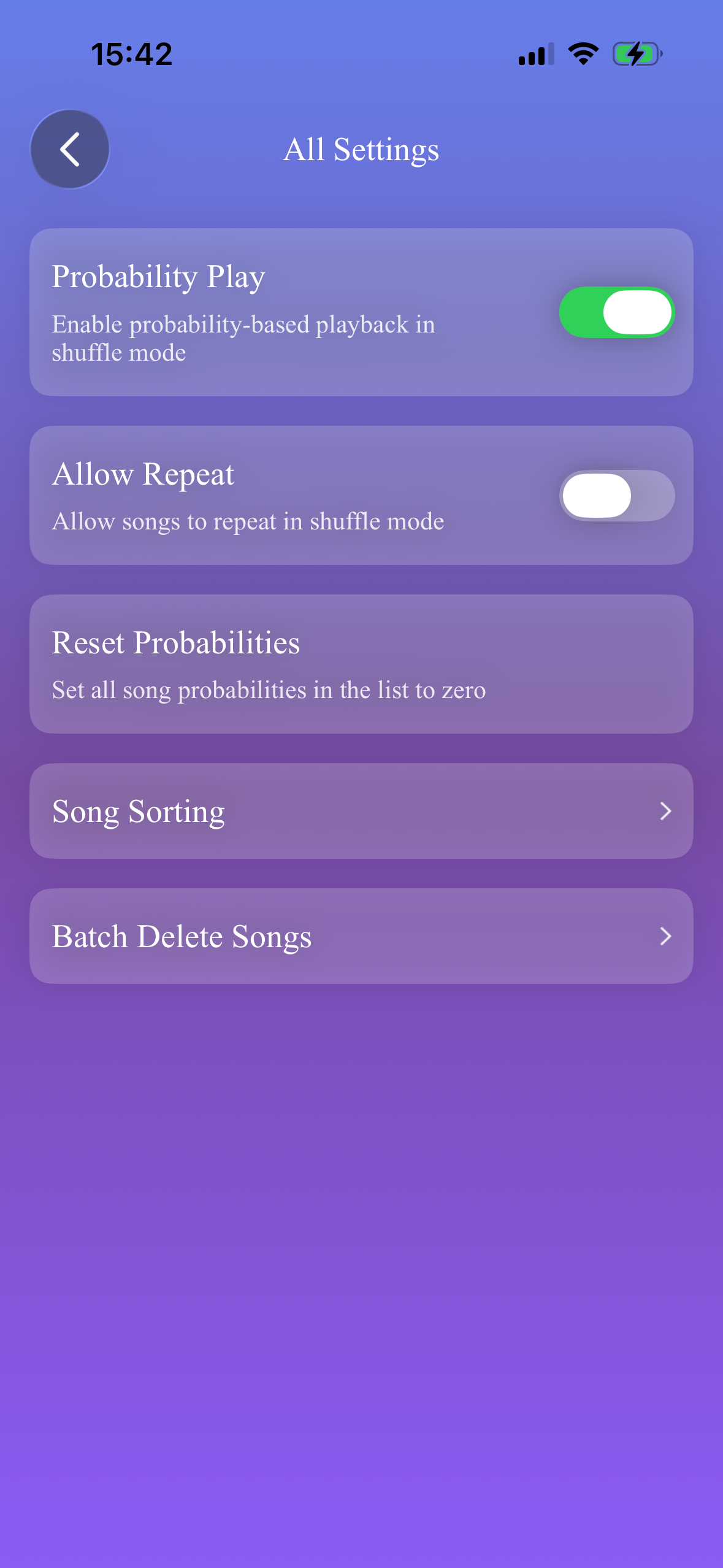
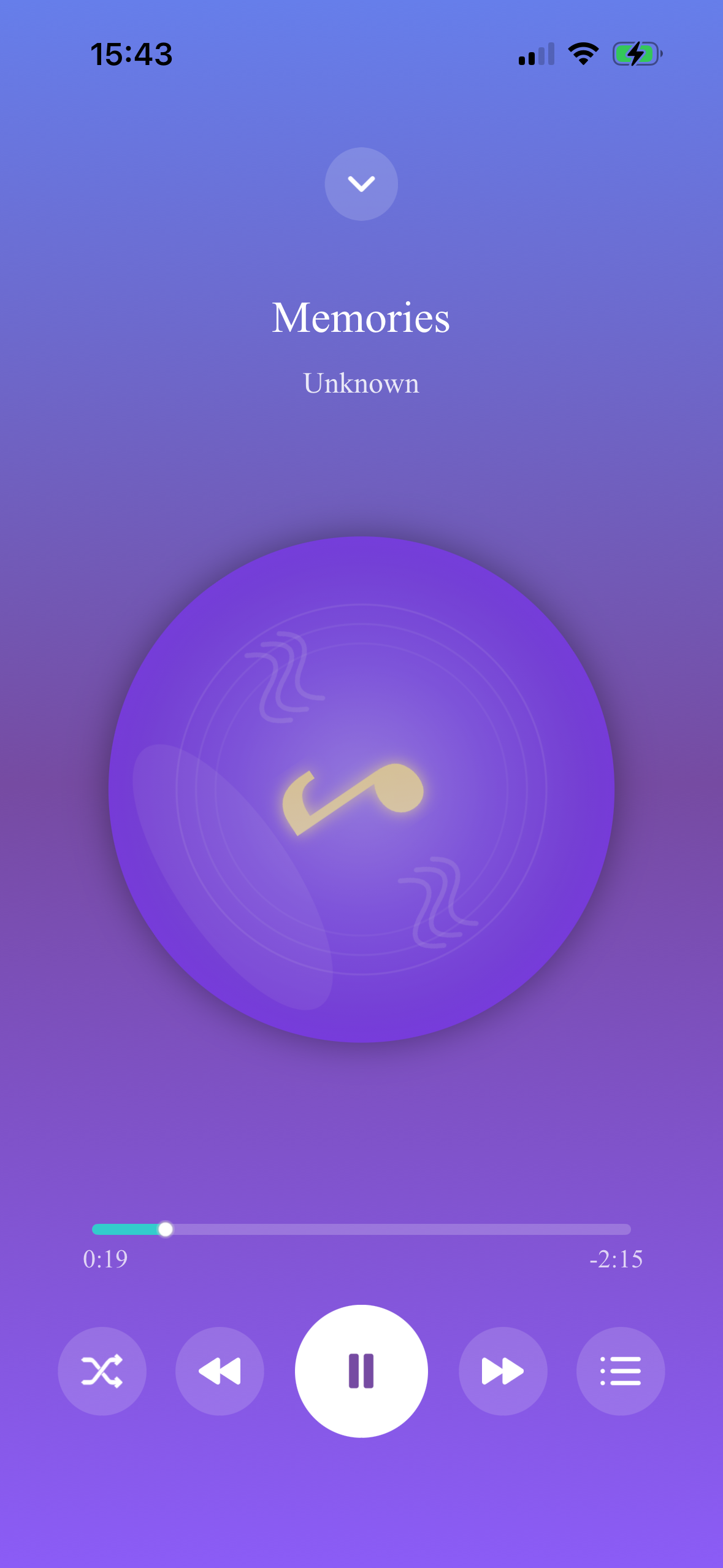
📱 App Screenshots
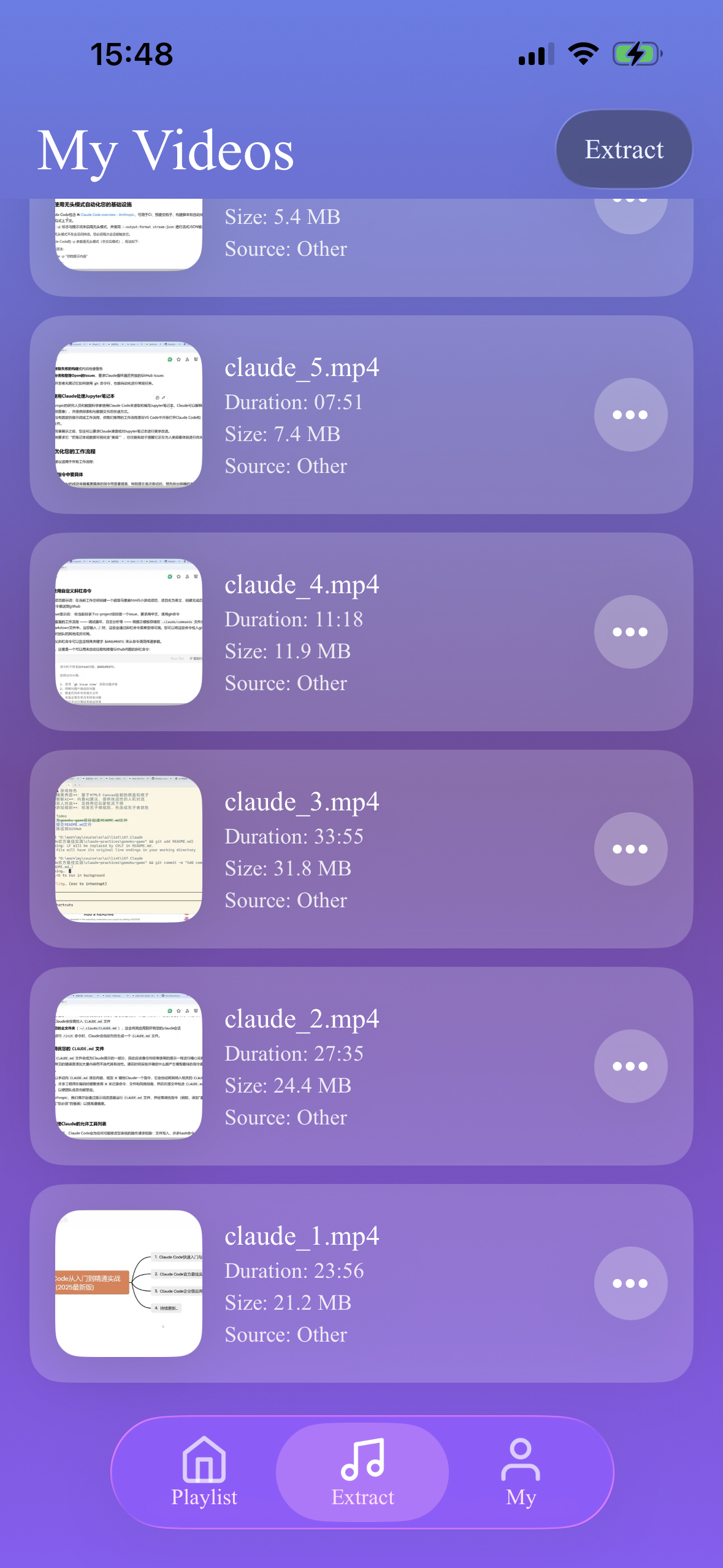
🎵 About the App
MusicLite is an iOS app focused on local music playback, providing you with a clean, smooth, and ad-free music experience.
🎧 Core Features
- • Play local music files
- • Create and manage playlists
- • Sync with system music library
- • Lock screen and background playback
- • Custom music covers
✨ Highlights
- • No registration required
- • No ads
- • Local data storage
- • Audio extraction (Membership)
- • Privacy first
❓ Frequently Asked Questions
How to add music to the app?
There are three ways:
1. Through iOS Files App, drag audio files into "MusicLite" folder
2. Authorize the app to access system music library, manually sync iPod/Apple Music
3. Use link extraction function (requires membership)
What are the membership features?
Currently the main membership feature is "audio extraction", which allows you to extract public, free audio resources from the internet for local playback by pasting links.
All other features (sync, playback, playlists, cover settings, etc.) are free.
Will my music files be uploaded to servers?
No. All music files are stored locally on your device (Documents folder) and will not be uploaded to any servers.
The server only stores your membership purchase records for verification purposes.
How to set music covers?
Click on song info, select "Set Cover", you can choose:
1. Select from album
2. Take a photo to set cover
Cover images are stored locally and will not be uploaded to servers.
Will data be lost if I uninstall the app?
After uninstalling the app:
• Music files: Music files stored in the app's Documents folder will be deleted, please backup in advance
• Playlist data: Will be deleted
• Membership info: Will not be lost, will be automatically restored after reinstallation
Will membership be lost when switching devices?
Membership information won't be lost. It's tied to your Apple account. When switching devices, you can click "Restore Purchase" in the membership purchase interface.
How to cancel auto-renewal?
1. Open iOS "Settings"
2. Tap your Apple ID avatar
3. Select "Subscriptions"
4. Find "MusicLite"
5. Tap "Cancel Subscription"
What personal information does the app collect?
We value privacy and only collect necessary information:
• Device model, system version (for crash analysis)
• App-generated device ID (for identifying devices, providing membership services)
• Membership purchase records
Not collected: Location, contacts, IDFA and other sensitive information.
For details, please check Personal Information Collection List.
📧 Contact Us
If you encounter any problems or have any suggestions during use, please contact us through the following methods:
Developer
MusicLite Operator
Response Time
We will reply to you within 1-3 working days